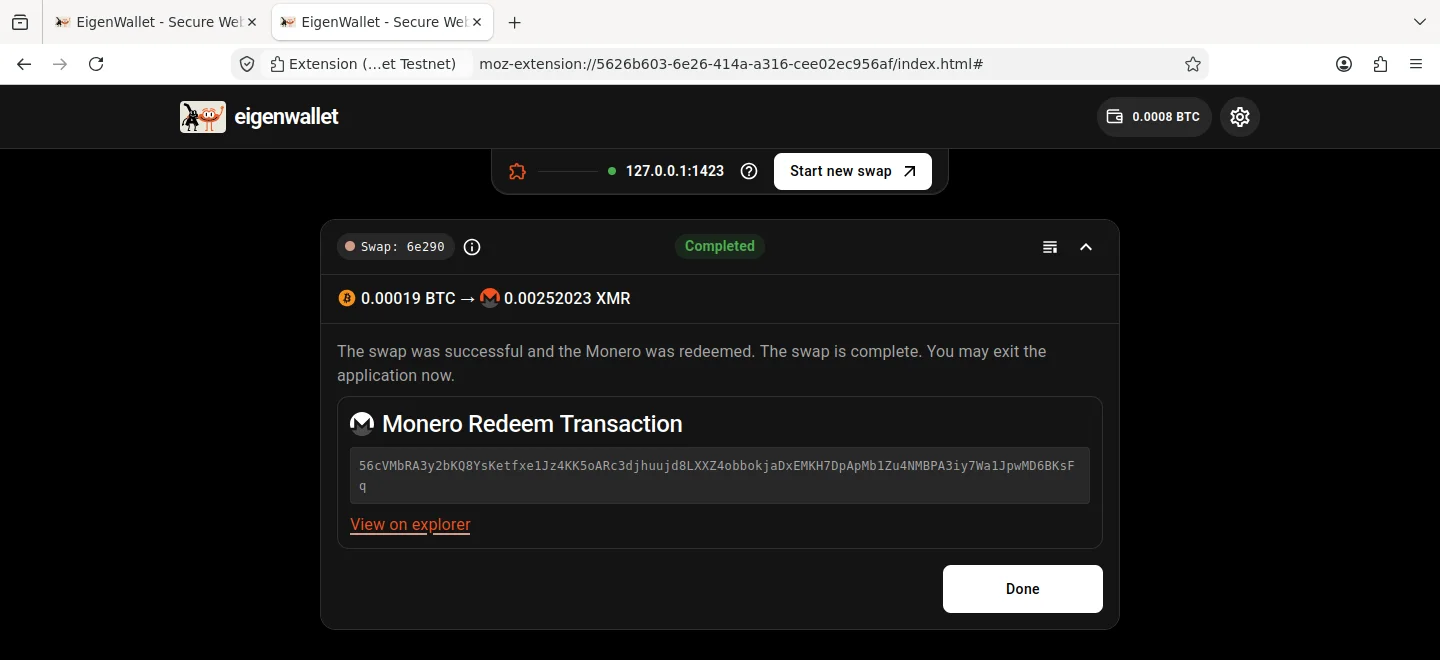

Make your first swap
Install the extension before you start. You need Bitcoin in another wallet and a Monero receiving address. Confirmation times vary; allow about an hour.
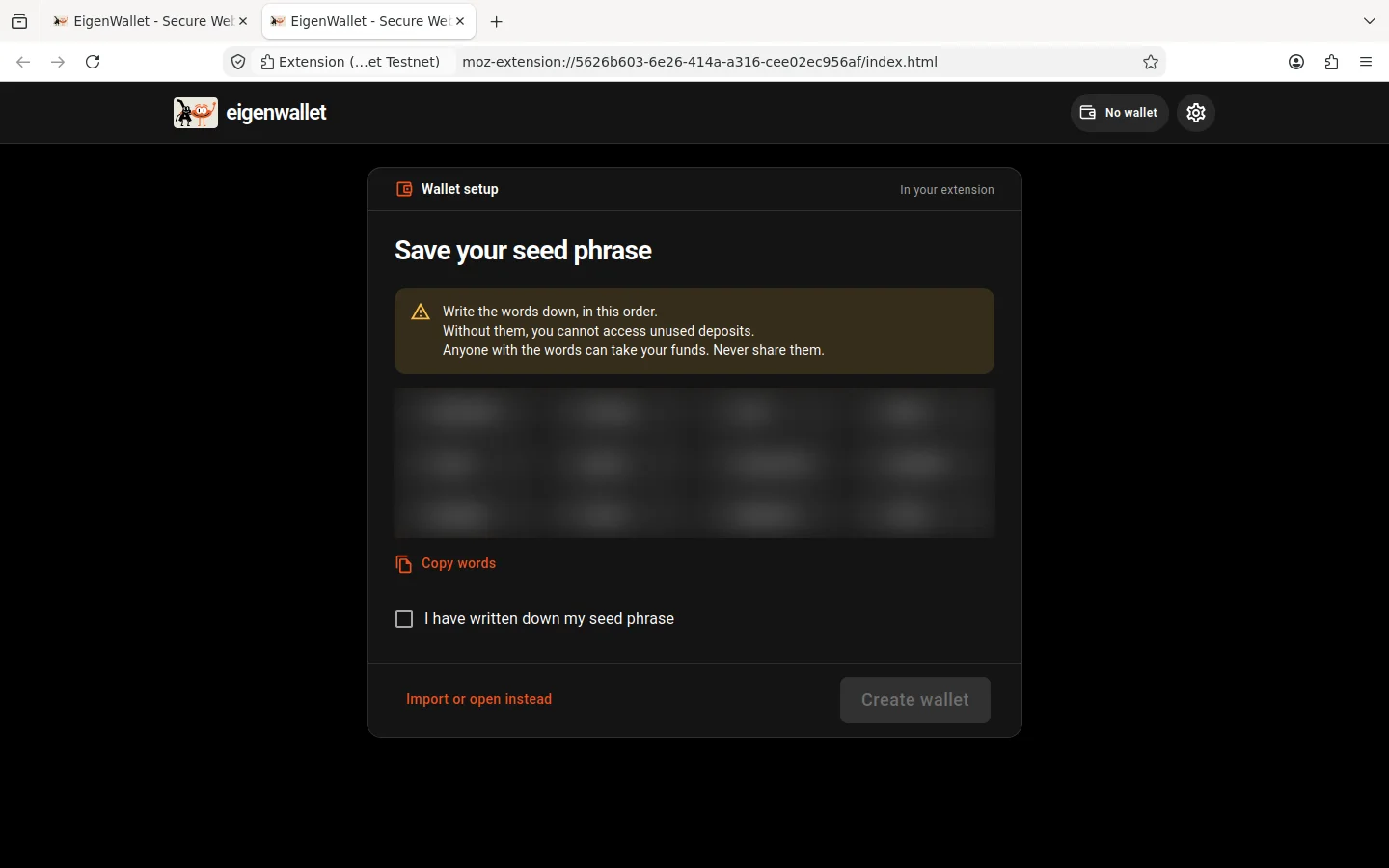
Create a wallet
Open the extension and click Set up wallet. Write down the 12 recovery words in order. Select I have written down my seed phrase, then click Create wallet. See backups for how to store and use these words.
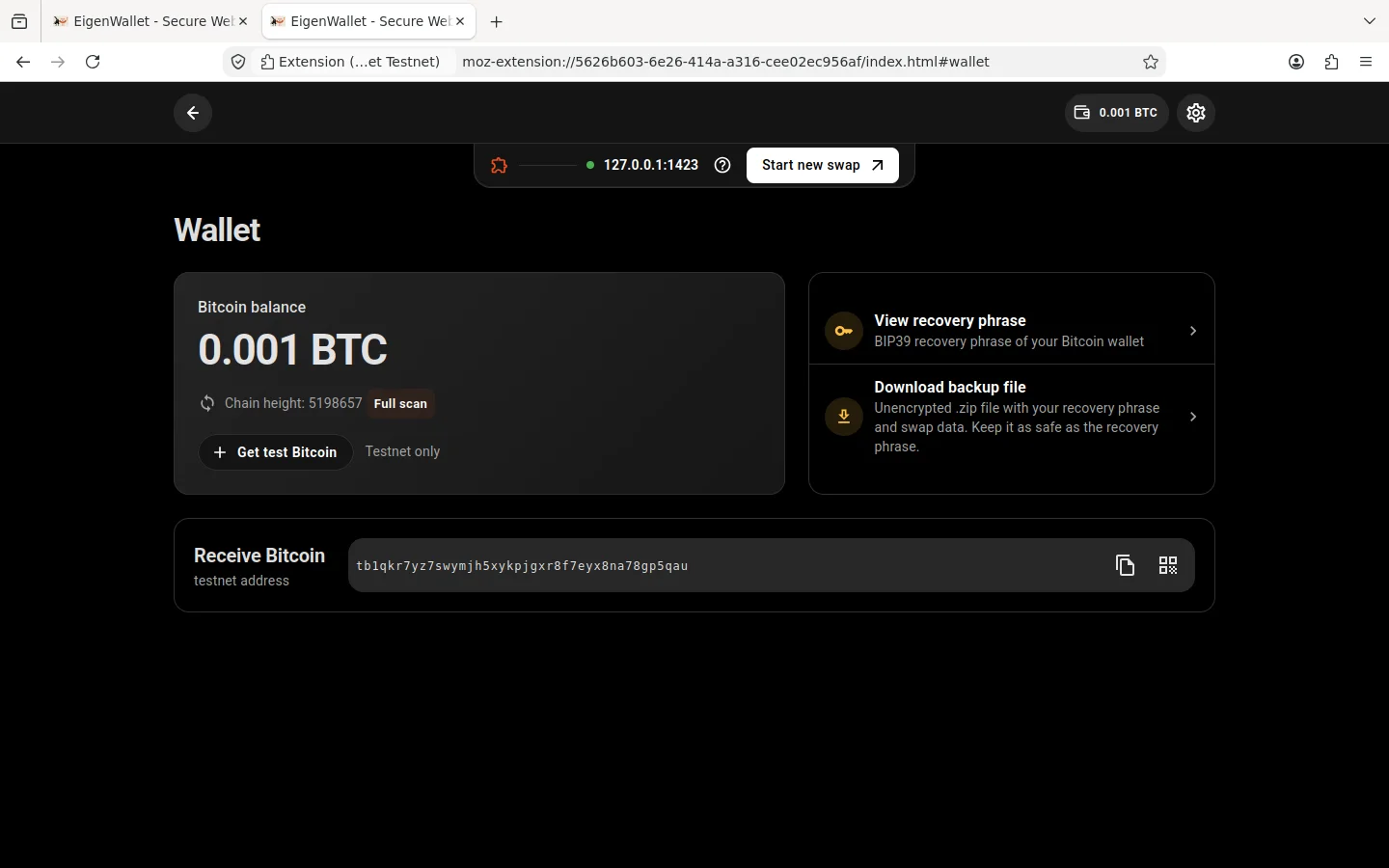
Add Bitcoin
Click your balance in the extension to open the wallet page. Copy the Receive Bitcoin address and send Bitcoin to it from your other wallet. Wait for the balance to update.
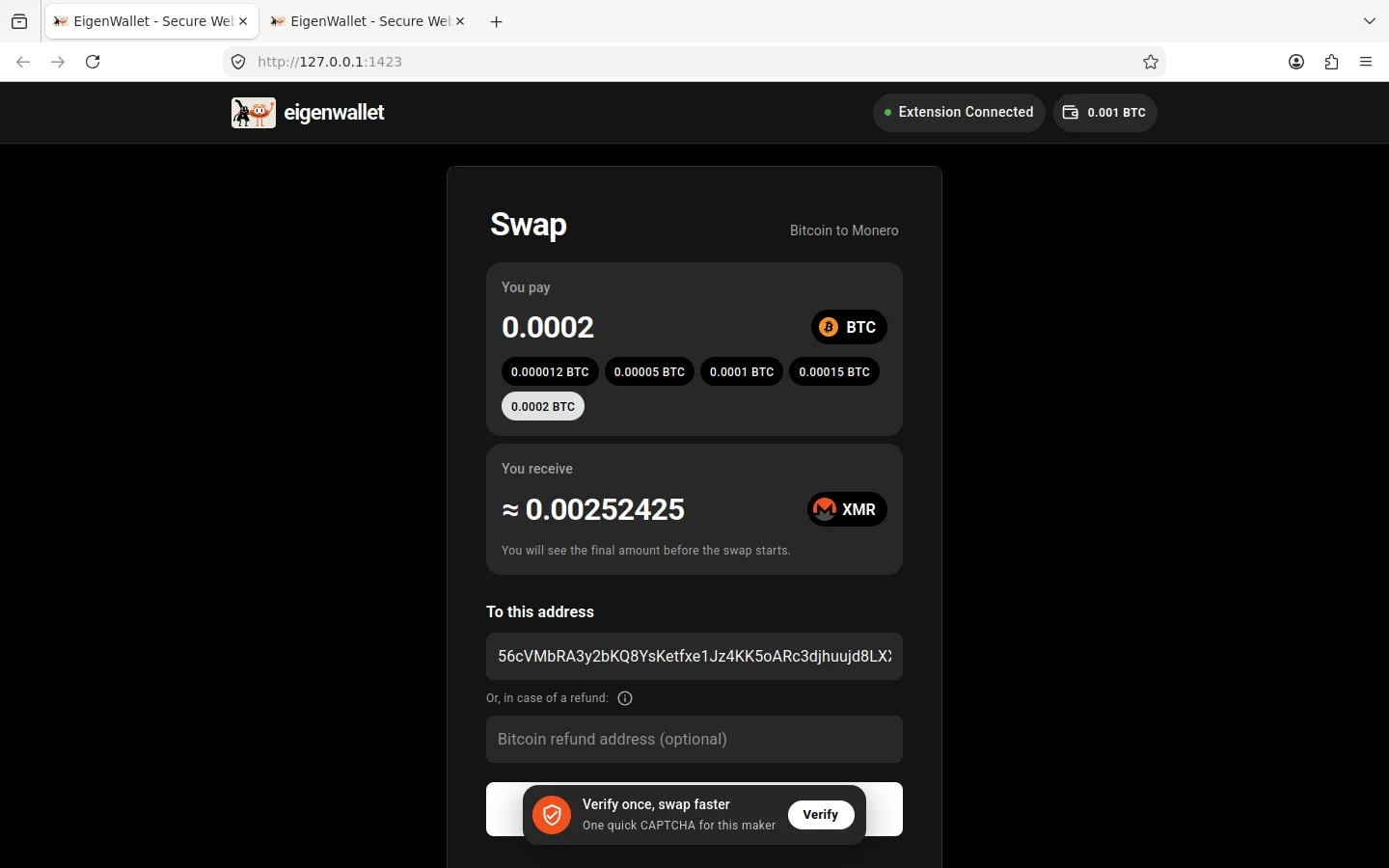
Request an offer
Open atomic.orangefren.com. If the site is not connected, connect it to the extension.
- Enter the Bitcoin amount under You pay; it includes the Bitcoin network fee.
- Paste your Monero address under To this address.
- Complete the CAPTCHA if asked, then click Request offer from maker.
The screenshots below show a testnet swap. Use your swap site’s address when following the steps.
Accept the offer
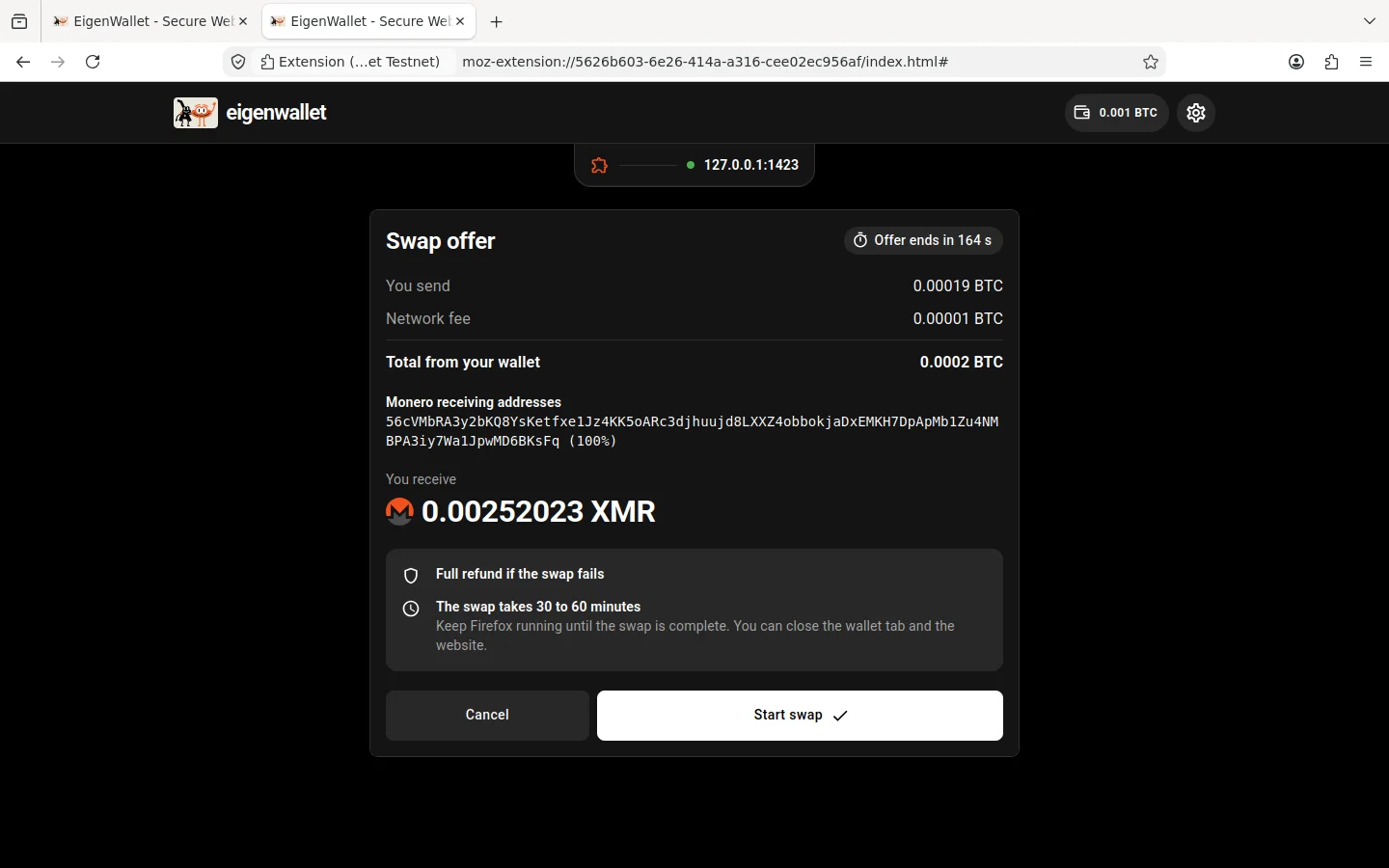
In the extension, check Requested by and the Monero address, then click Get final offer. Check Total from your wallet and You receive. Click Start swap to accept the offer and lock your Bitcoin.
When prompted, download a backup.
Wait for completion
The swap card shows the Bitcoin lock, the maker’s Monero lock, and the transfer to your Monero address. It updates as transactions confirm.
You can close the site and extension tabs, but keep Firefox open. If Firefox closes, start it again promptly so the extension can resume. Missing a refund deadline can cost you the Bitcoin in the swap.
When the card shows Completed, the Monero transfer has been sent. Check your Monero wallet, then click Done to close the card.