

Back up and restore your wallet
Save the recovery phrase
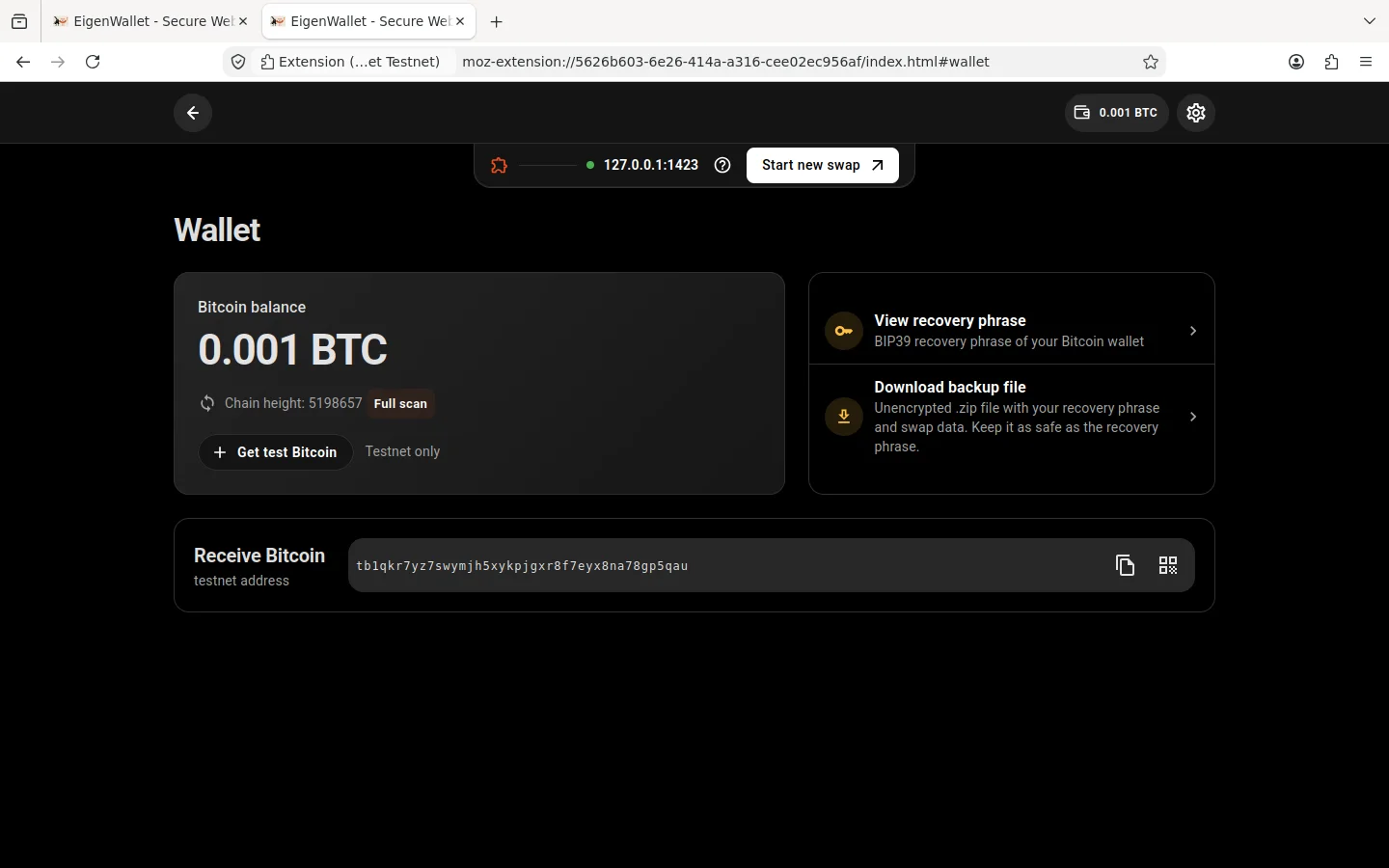
Click your balance in the extension, then View recovery phrase. Write the 12 words in order and store them safely. Anyone with these words can take your Bitcoin. Never enter them on a website or share them with anyone, including support.
Download a backup
On the wallet page, click Download backup file. You can also click Download backup when a swap starts. The file contains your recovery phrase and swap data without encryption. Keep it private.
Restore
- Open the extension. If another wallet is open, go to Settings > Close wallet.
- Click Set up wallet > Import or open instead.
- Choose Restore wallet from seed for the 12 words, or Restore from backup for a backup file.
Restoring from a seed needs the configured sync servers to recover uploaded swap data. Keep a backup file too. Open an existing wallet selects a wallet already stored in this extension.
Sync storage
Sync servers store encrypted copies of swap data. They can see your wallet’s Peer ID, upload sizes and times, and IP address. Choose the servers in Settings.