

Site access
The swap site collects an amount and a Monero address.
The extension holds your wallet and runs the swap.
Its address starts with moz-extension://; Firefox labels it Extension (Eigenwallet).
Connect a site
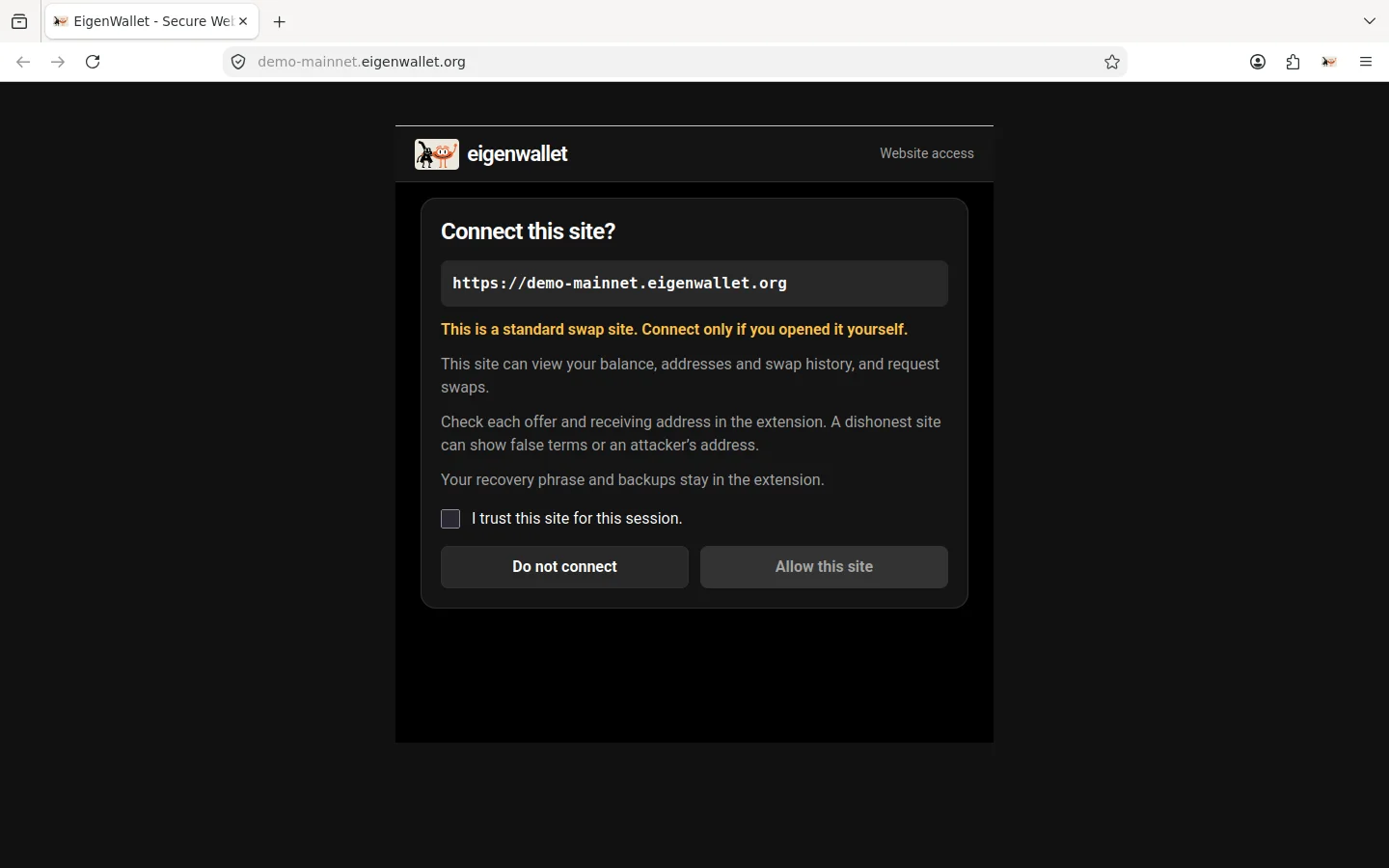
If Connect this site? opens, check the address, select I trust this site for this session, and click Allow this site. The site’s header shows Extension Connected when ready.
Manage access
Open the extension’s Settings > Swap sites. The switch allows or blocks a site for the current Firefox session. Turning it off disconnects the site immediately. Normal and private windows have separate entries.
Open site opens a tab without changing permissions. Use by default selects the site opened by Start new swap.
What a site can access
A connected site can read your balance, Bitcoin address, and swap history. It can request an offer or ask to start, stop, or resume a swap. These actions need your approval in the extension. The site cannot read your recovery phrase or backups, or create or open a wallet. Each site uses one maker selected by its operator.
A site could display one address and send a request for another. Check the receiving address in the extension before approving.