

Settings
Click the gear icon in the extension to open Settings. For Swap sites, see site access.
Network endpoints
Enter one URL per line. A green check means reachable; a red cross means unreachable.
| Setting | Purpose |
|---|---|
| Esplora URLs | Bitcoin balances, fees, and transactions. |
| Sync server URLs | Encrypted swap data. Every configured server must confirm each change. Applied when a wallet opens. |
| Monero daemons | Check the maker’s lock and send Monero to you. |
Use servers that accept requests from browser extensions. Many public Monero nodes do not.
Monero lock confirmations
This sets how many confirmations the maker’s lock needs before the swap continues. The default is 5. Restart the wallet engine to apply a change.
Restart wallet engine
Reopens the selected wallet and applies changed sync servers and confirmations. Blocked while swaps are running, starting, or resuming.
Close wallet
Leaves no wallet open, so you can switch wallets. Blocked while swaps are active or unfinished swaps have committed funds. Resume those swaps and let them finish first.
Reset to defaults
Restores the network and swap settings.
Diagnostics, sync and logs
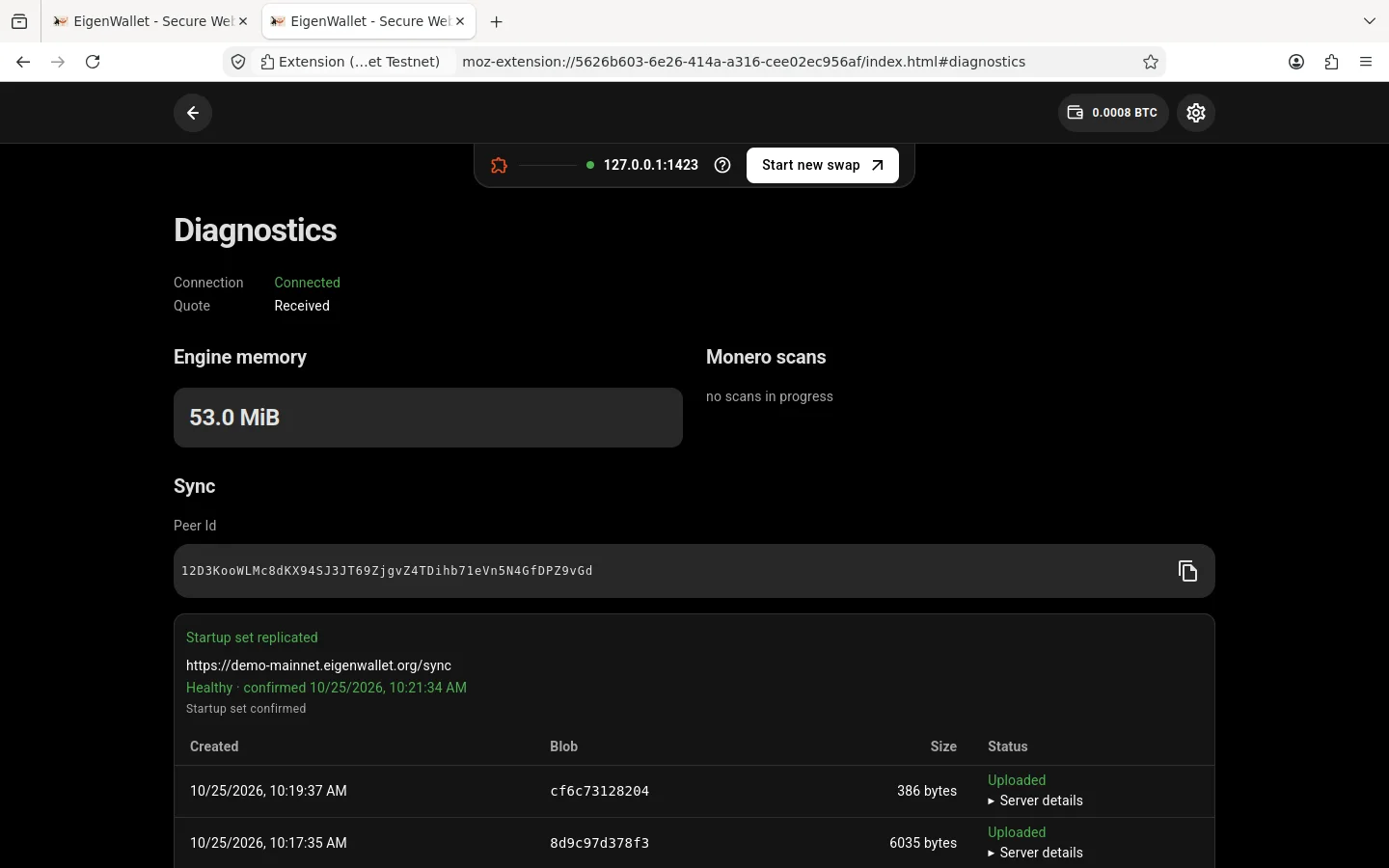
Shows the maker connection, engine memory, Monero scans, sync status, and session log. The sync section includes your wallet’s Peer ID and each server’s state. Crash reports remain in Crash history until cleared.
Review logs before sharing them. Automatic recovery-phrase redaction does not remove every address or other private detail.