

Installation
Install
- Open atomic.orangefren.com and click Install extension.
- Check the site name in Firefox’s prompt and click Continue to Installation, then Add.
- Select Pin extension to toolbar and click OK.
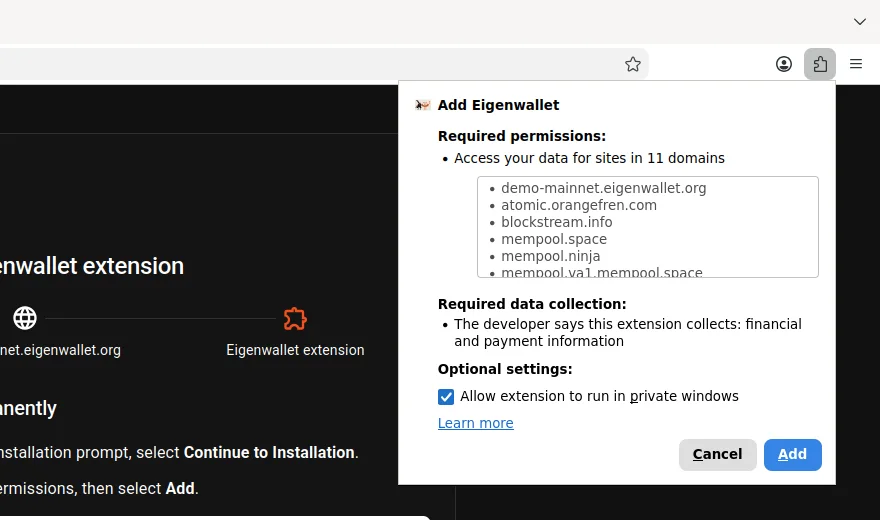
Click the toolbar icon to open Eigenwallet. For private windows or Tor Browser, allow private-window access.
Remove
Finish any swaps and back up your wallet first. Removing the extension deletes its local wallets and swap data.
Open about:addons, click … next to Eigenwallet, then Remove.